Learn how the best designers create jaw-dropping websites
If you're like most designers, you've gone through the usual courses and tutorials. You already know the basics. You can make an "OK" design, but not something that stands out.
This book will teach you how to do that.
Feel Like Your Designs Are "Good Enough" but Never Great?
You know HTML, CSS, JS, and Figma, but you are stuck in the messy middle. Your layouts look okay, but they lack the sharp, intentional look that gets people to pay attention.
I know the exact frustration:
- You spend hours tweaking margins and colors, but the final build never quite matches what you saw in your head.
- You watch dozens of YouTube tutorials, only to get surface-level tricks that stop working next week.
- You worry your portfolio looks just like every other designer applying for the same contract.
- You see new design tools launching every month and feel like you are constantly falling behind.
I put together a straightforward guide based on what actually worked for me as a freelance designer. No high-level theory or trendy advice, just practical tactics you can use on your current project today. I am giving it away for free.
What Happens If You Stay Stuck?
Staying stuck in the middle costs more than just time.
Missed Opportunities
Clients and employers pass you over for designers who deliver polished, professional work.
Plateaued Growth
Your skills plateau while everyone else moves ahead.
Lost Confidence
Over time, that lack of progress drains your confidence, leaving you second-guessing basic design decisions.
In a crowded market, average work gets ignored. Don't be one of them.
The Solution: Designing Websites
Picture a junior designer stuck in a rut. Your work is functional, but it lacks the weight of a top-tier design. You spend hours sitting through tutorials, only to end up with shallow tips and trendy advice that goes stale in six months.
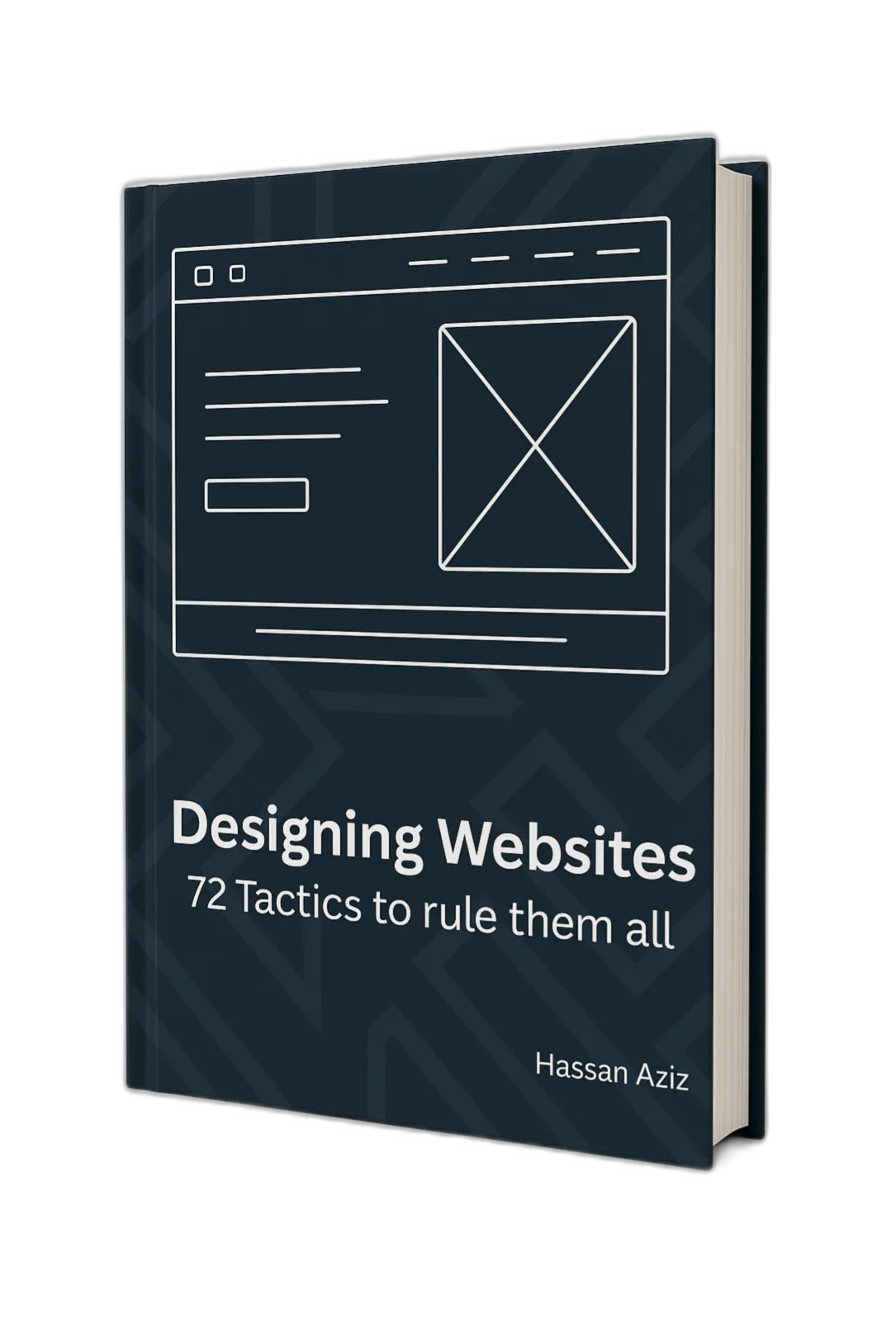
I wrote Designing Websites for that exact scenario. Across 246 pages, it covers practical techniques that do not go out of style. The goal is simple: improve your craft so you can land better job offers and higher-paying freelance clients.
It's a straightforward guide to making clean, professional work that puts you in the top tier of designers.
What's included in this book
Systems: Create cohesive, professional design systems that scale
Colors: Make better choices in color, palette selection, and contrast rules
Typography: Master font selection and typographic hierarchy without being a typography expert
Visual Hierarchy: Guide users' attention precisely where you want it
Forms: Design beautiful, accessible forms that users actually enjoy completing
Tables: Create stunning, responsive tables that work across all devices
Icons & Symbols: Select and implement the perfect iconography to enhance usability
Micro-interactions: Add sophisticated interactive elements that delight users
Accessibility & UX: Ensure your designs work for everyone without sacrificing aesthetics
And much more: Animation, elevation, responsiveness, creative alternatives...
Your Path to Design Mastery Starts Here
This book gives you 246 pages of practical, timeless techniques covering 16 core design areas, including scalable design systems, typography and hierarchy, form accessibility, and micro-interactions.
- Cohesive design systems that scale
- Masterful typography and hierarchy
- Accessible, user-friendly forms
- Delightful micro-interactions
It is built specifically for designers stuck in that frustrating middle ground where work feels fine, but not great. If you are past the basics and ready to build higher-quality products, this will help you get there.


Dude, you’re at the bottom of my landing page.
Just book a call already if you’re that interested.
You scrolled all the way here.