Writing & Videos — Page 12
Page 12 of 14: older articles, tutorials, and videos.
July 2025
How to systemize your typography
I systemize typography by breaking it into four decisions: font families, font sizes, letter spacing and line height. For font families, I narrow the choice by category — serif, sans-serif, display or monospace — then…
Write your text in rems. Thank me later.
I argue that rems are the best unit for typography because they scale with the user's browser default font size and zoom, while pixels ignore those accessibility settings. I explain how one rem maps to the root HTML…
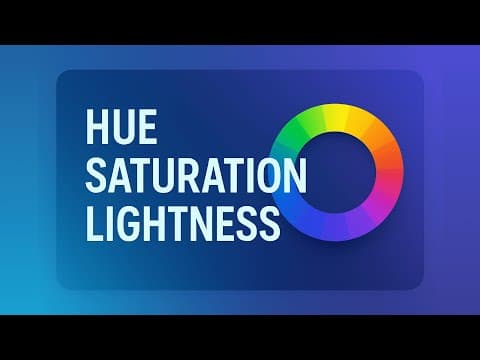
Why HSL colors are the best
I explain why HSL is the best CSS color format and how hue, saturation, and lightness map directly to how we perceive color. I show how hue is a 0–360 position on the color wheel, saturation controls…
June 2025
Stop over-using color, you're ruining your design accessibility
Color should never be the only thing distinguishing elements in a UI, because red-green colorblindness — the most common form — wipes that information out entirely. I demonstrate it on a finance dashboard where profit…
This is how you actually pick good fonts (even as a newbie designer)
Picking good fonts comes down to a repeatable process, not years of trained instinct: I sort every typeface into four categories — serif, sans serif, display (script included), and monospace — then match the category…
How to make your text readable for the web
I show how a handful of simple typography rules can make any article on the web dramatically more readable, and I apply them live to a deliberately broken page to prove it. I cover limiting line length to roughly 50–75…
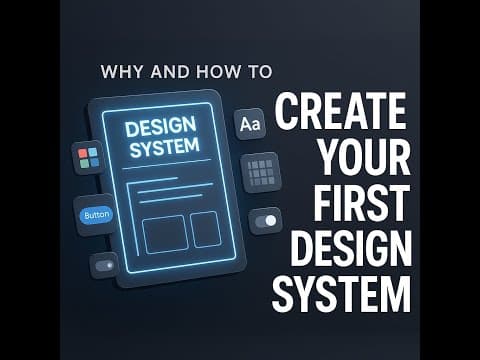
Why (and how) to create your first design system
I build a design system's design tokens — colors, spacing, typography, borders, shadows — before I design a single screen, because standardizing those atomic values into reusable variables is what makes design fast and…
May 2025

How to Write AI Prompts That Actually Work (Step-by-Step)
Most people get mediocre results from AI because they type two sentences and expect AGI-level output; the fix is writing detailed prompts — mine these days run a couple thousand words — that leave nothing to the…
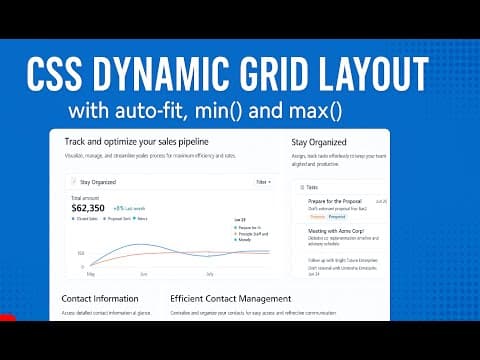
CSS Dynamic Grid Layout with auto fit, min and max
I build a fully responsive dynamic CSS Grid layout with zero media queries by combining repeat(), auto-fit, minmax(), and nested min()/max() column sizing. I show how the grid class expands to repeat(auto-fit…
April 2025
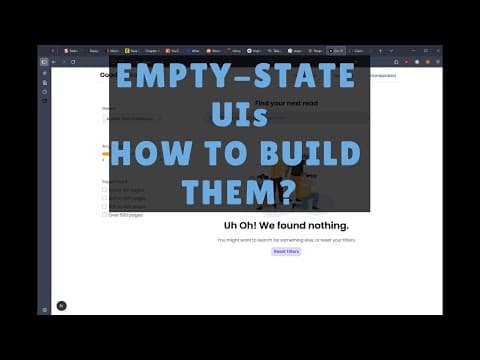
Empty-state UIs - Why are they important, how do you build them
Most empty-state UIs get ignored until a new user lands on a blank screen, so I show how to design and build empty states that explain the problem, describe the next step, and give a clear CTA. I walk through job board…
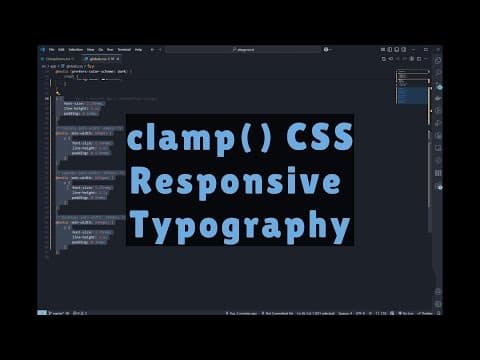
The clamp() CSS function and Responsive Typography
I show how the CSS clamp() function makes typography responsive with a single line of code, replacing the stack of media queries I used to resize text at different breakpoints. I break down clamp(min, preferred, max)…

Landing Page Design Tutorial - NextJS & Tailwind (Travel Agency) - Part 13 (final part)
I finish the responsive build of my Next.js and Tailwind travel-agency landing page by fixing the social, CTA, and footer sections. I replace the CTA’s two images with a single absolutely positioned background image…


Dude, you’re at the bottom of my landing page.
Just book a call already if you’re that interested.
You scrolled all the way here.